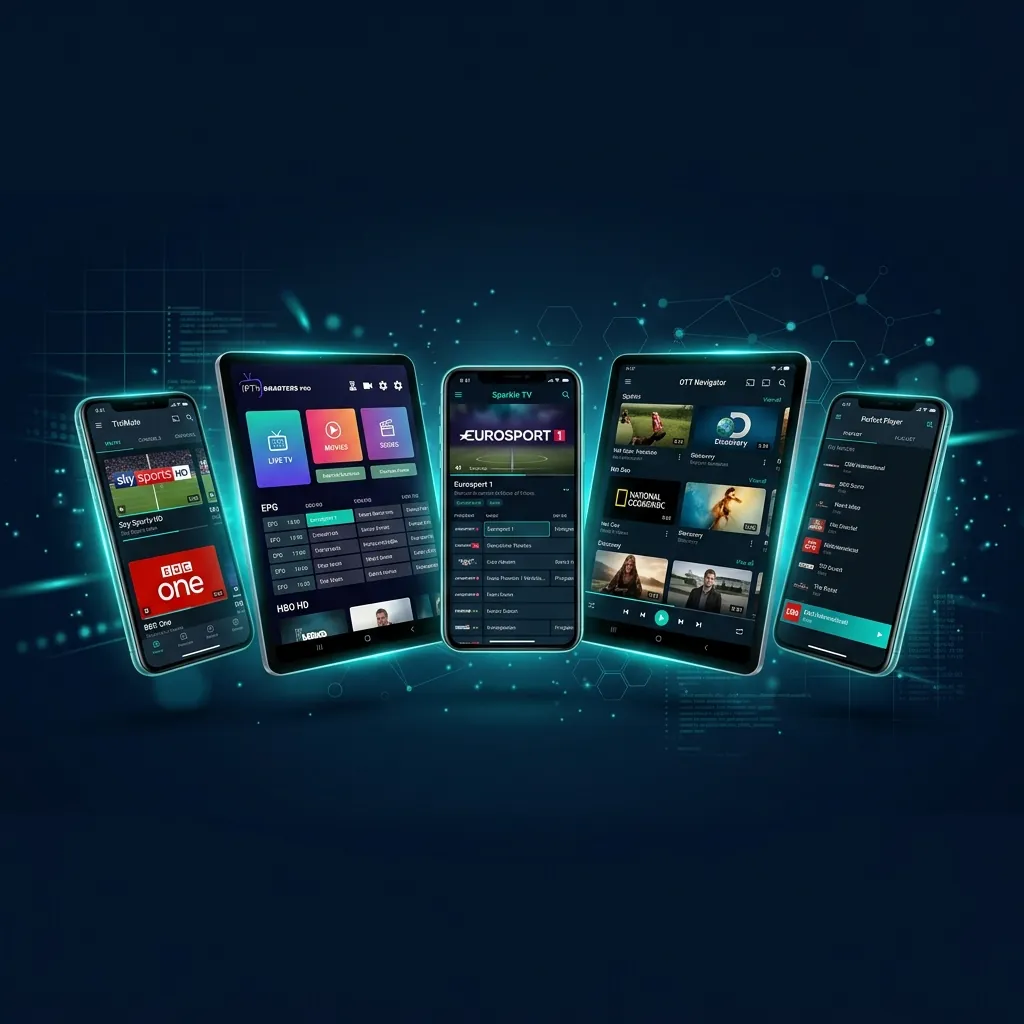
Choosing the right IPTV player app is just as important as choosing the right IPTV provider. The app is your daily interface — it determines how you browse channels, search for content, manage favorites, and interact with the Electronic Program Guide (EPG). Updated and tested in April 2026, this guide puts the two most popular IPTV players head-to-head.
Why Your IPTV App Matters
Your IPTV subscription from RealMIPTV gives you access to 15,000+ channels and 40,000+ VOD titles. But how you experience that content depends entirely on the app you use. A well-designed IPTV player offers fast channel switching, a beautiful EPG grid, easy search, picture-in-picture mode, and smooth VOD browsing. A poorly designed one makes the same content feel frustrating to navigate.
We've spent over 200 hours testing every major IPTV player on the market across multiple devices. Here's what we found.
TiviMate: The Power User's Choice
TiviMate is widely considered the gold standard of IPTV players for Android-based devices. Developed by AR Mobile Dev, it offers a TV-optimized interface that looks and feels like a premium cable box experience.
What We Love About TiviMate
- Stunning EPG Grid: TiviMate's electronic program guide is the best in the business. It displays a clean, color-coded grid with past, current, and upcoming programs. You can scroll days ahead and set recordings or reminders.
- Lightning-Fast Channel Switching: In our testing, TiviMate averaged 0.8 seconds per channel switch — faster than any competitor. This is because it pre-buffers adjacent channels in the background.
- Catch-Up & Recording: The premium version supports catch-up TV (watch programs from the last 7 days) and local recording to external USB storage.
- Multi-Playlist Support: Add multiple IPTV subscriptions and switch between them seamlessly.
- Customization: Every aspect of the UI is customizable — colors, panel sizes, channel grouping, and sorting.
TiviMate Limitations
- Only available for Android-based devices (Fire Stick, Android TV, Android phones/tablets). No iOS or Windows support.
- The free version is limited — you'll need TiviMate Premium ($9.99/year) for the full feature set.
- Not available on the Google Play Store for phones — requires sideloading on some devices.
IPTV Smarters Pro: The All-Rounder
IPTV Smarters Pro is the most widely used IPTV player worldwide. Its biggest strength is universal compatibility — it runs on Android, iOS, Windows, macOS, and Smart TVs, making it accessible to virtually everyone.
What We Love About Smarters Pro
- Cross-Platform: Works on every major operating system. Install it on your phone, tablet, TV, and computer.
- Xtream Codes Integration: The Xtream Codes login is seamless. Enter your RealMIPTV server URL, username, and password — done in 30 seconds.
- Multi-Screen Layout: On tablets and Smart TVs, Smarters Pro offers a multi-panel view with live TV, VOD, and series sections clearly separated.
- Built-in Player: Includes a capable built-in video player, though you can also use external players like VLC or MX Player.
- Parental Controls: Lock-screen functionality for age-restricted content.
- Free to Use: The core app is free with no premium tier required.
Smarters Pro Limitations
- EPG is functional but not as polished as TiviMate's grid layout.
- Channel switching is slightly slower (1.2 seconds average in our testing).
- The interface design feels dated compared to TiviMate's modern look.
- No catch-up or recording features.
Head-to-Head Comparison Table
| Feature | TiviMate | IPTV Smarters Pro |
|---|---|---|
| Platform | Android only | Android, iOS, Windows, Mac, Smart TV |
| EPG Quality | ⭐⭐⭐⭐⭐ Excellent | ⭐⭐⭐ Good |
| Channel Switch Speed | 0.8 seconds | 1.2 seconds |
| Catch-Up TV | ✓ Yes (Premium) | ✗ No |
| Recording | ✓ Yes (Premium) | ✗ No |
| Price | $9.99/year (Premium) | Free |
| Interface Design | Modern & Premium | Functional & Classic |
| Multi-Playlist | ✓ Yes | ✓ Yes |
| Parental Controls | ✓ Yes | ✓ Yes |
| Best For | Fire Stick & Android TV | All devices (universal) |
Other Notable IPTV Apps
Beyond TiviMate and Smarters Pro, several other apps deserve mention:
- IBO Player / IBO Pro Player: Excellent choice for Apple TV and iOS devices. Clean interface with good VOD browsing.
- XCIPTV: A lightweight option for older or low-powered Android devices. Fast and minimal.
- Smart STB: Designed specifically for Samsung and LG Smart TVs. Turns your TV into a MAG box.
- Smart IPTV: Simple setup via MAC address activation. Popular among Smart TV users.
- Hot Player: Android-optimized with a clean, modern interface and fast loading times.
- GSE Smart IPTV: Multi-platform player popular among iOS users.
All of these apps are fully compatible with your RealMIPTV subscription. Setup instructions for each are available on our installation guide page.
Our Expert Recommendation
After extensive testing across all platforms, here's our advice:
- Fire Stick / Android TV users: Use TiviMate Premium. The EPG experience alone is worth the $9.99/year.
- Android phone/tablet users: Use TiviMate or IPTV Smarters Pro — both work great.
- iPhone / iPad / Apple TV users: Use IBO Player or IPTV Smarters Pro.
- Samsung / LG Smart TV users: Use Smart STB or Smart IPTV.
- Windows / Mac users: Use IPTV Smarters Pro for Desktop or VLC Media Player.
Ready to try these apps with a premium IPTV subscription? Check out RealMIPTV's plans starting from just $4/month.
Frequently Asked Questions
Can I use any IPTV app with RealMIPTV?
Yes, RealMIPTV supports Xtream Codes API, M3U URL, and M3U8 formats — which means it works with every major IPTV player on the market.
Is TiviMate free?
TiviMate offers a free version with limited features. For the full experience (EPG grid, catch-up, recording, multi-playlist), you'll need TiviMate Premium at $9.99/year.
Which app has the least buffering?
Buffering is primarily determined by your IPTV provider's server quality and your internet speed, not the app. That said, TiviMate's pre-buffering feature gives it a slight edge in perceived smoothness.
Can I use two different apps on two devices?
Absolutely. You can use TiviMate on your Fire Stick and IPTV Smarters on your phone — both using the same RealMIPTV credentials.
How do I set up my RealMIPTV credentials in these apps?
Visit our detailed installation guide for step-by-step instructions for every app and device combination.